


This pallete has only 6 colors, but dont be mad or anything, because this pallete is an easy greyscale. If you like greyscale spriting, but you dont like what... 40 greys in each picture, I suggest you use this.
It includes Obsidian, Black, Stone, light cloth, iron, white. It only requires you to use one layer because I didnt include shadow colors in this one. I included a manuel and the actual .gpl file in a zip, and uploaded it to uppit. If you have any questions reply here.

Left to right: Stone, Obsidian, Iron, Black, Light Grey, White
Download link
All credit goes to MrMonkey and his colorpalette from which I got the colors.
MrMonkey's Color Palette Link
It includes Obsidian, Black, Stone, light cloth, iron, white. It only requires you to use one layer because I didnt include shadow colors in this one. I included a manuel and the actual .gpl file in a zip, and uploaded it to uppit. If you have any questions reply here.
Left to right: Stone, Obsidian, Iron, Black, Light Grey, White
Download link
All credit goes to MrMonkey and his colorpalette from which I got the colors.
MrMonkey's Color Palette Link
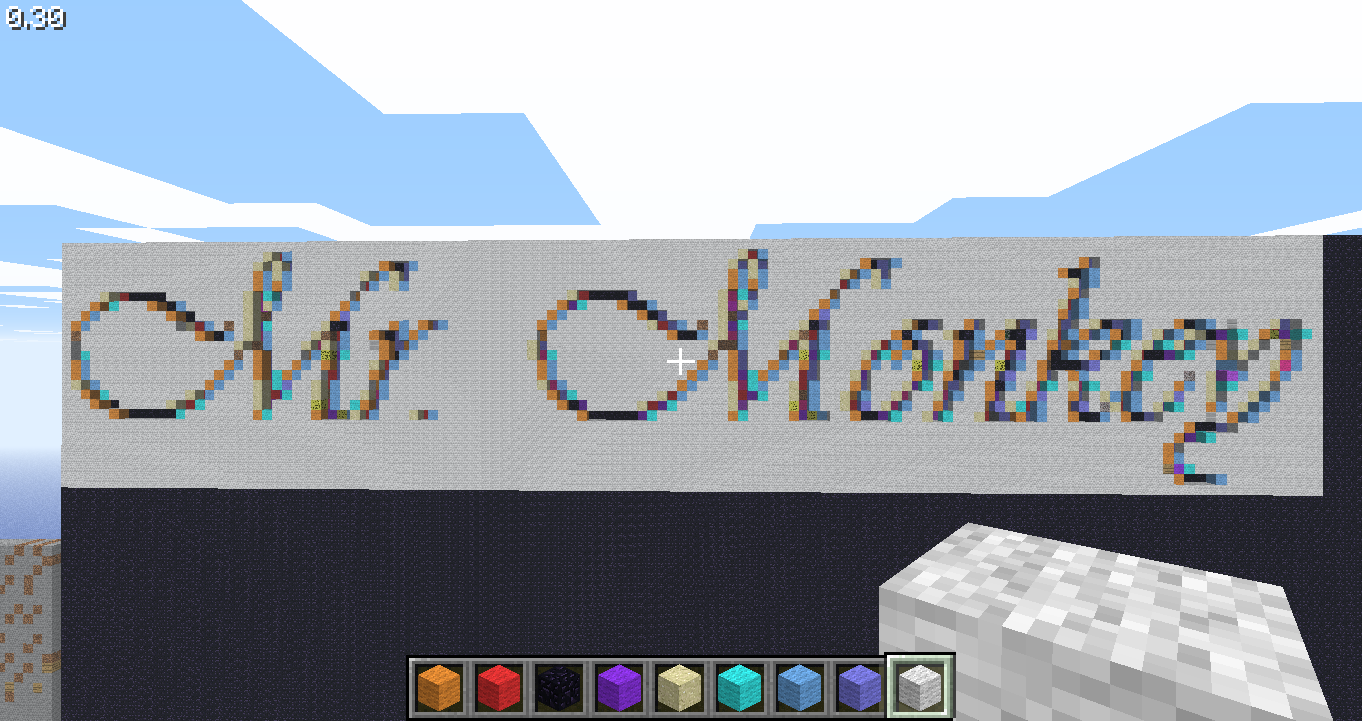
 I gave you the credit and linked it to your palette. I did not put this on any other website.
 It really wouldn't matter to add the other 1 layered colours though, since there are only 31, and the palette can choose for itself which are best. In greyscale, it usually doesn't even use others then the usual 10, these being the 6 you already have, the 2 terre suggested and iron ore and gold ore. Also greyscales you find on the internet are often not entirely greyscale, but have some other colours mixed in. First setting the mode of the picture to greyscale, then to indexed will filter out a lot of these colours.