
oh i have recently learned how to do this.i can help you with this.
This is a read-only archive of the Opticraft Community forums (2010–2022), preserved in October 2026. Posting, logins and registration are closed.
Started by mini25252525, May 07, 2012, 09:50:22 PM
The Cobblestone City
Here is an easier way to add images. First you should know that the screenshots you take will go to the screenshots folder in your .minecraft folder. You can find it by writing %appdata% in the search bar on start of you using Windows 7 and in the "Run" if you are not using it. (Note: You can find the file at C:\Users\"username"\AppData\Roaming. "AppData" is a hidden file so you have to open the ability to see hidden files (It is an option somewhere i can't remember right now.))
Now, lets talk about the adding image. Go to imgur.com and click on "computer". Select the image you want to add and click "OK". Then click on "Start Upload". It will send you to another page. Copy the "BBCode" on the right and paste it in your post and your photo will be added. It is simple as that. No need of an account.
 I can get to my .minecraft folder in...like...3.21 seconds!!!
  Imma good at computers!!
animedude88
-


- Full Member
- Posts: 249
-
thedude114
-
- Sr. Member
- Posts: 307
-
I use photobucket. First you sign up, then you find the screenshots in your Minecraft folder. Upload the screenshots to photobucket, and view them. On one side of the screen there should be a yellow box with several codes in it. Pick the IMG one, copie it, and paste into your post. Works for all computers.
mini25252525
-
- Sr. Member
- Posts: 263
-
-
Quote from: thedude114 on May 11, 2012, 01:09:05 PM.... Wha?
I use photobucket. First you sign up, then you find the screenshots in your Minecraft folder. Upload the screenshots to photobucket, and view them. On one side of the screen there should be a yellow box with several codes in it. Pick the IMG one, copie it, and paste into your post. Works for all computers.
animedude88
-
- Full Member
- Posts: 249
-
oh. mini252525. i can do that for you.don't worry. tell me the time you want it to be taken. i can play tommorow and also the sundays
mini25252525
-
- Sr. Member
- Posts: 263
-
-
CST time tommorow? It's a Saturday for me tommorow.
atdfbttl15
-

- Sr. Member
- Posts: 366
- Either on or trying to be on
-
-
- Location: Turkey
Quote from: mini25252525 on May 11, 2012, 01:11:25 PMQuote from: thedude114 on May 11, 2012, 01:09:05 PM.... Wha?
I use photobucket. First you sign up, then you find the screenshots in your Minecraft folder. Upload the screenshots to photobucket, and view them. On one side of the screen there should be a yellow box with several codes in it. Pick the IMG one, copie it, and paste into your post. Works for all computers.
Here is an easier way to add images. First you should know that the screenshots you take will go to the screenshots folder in your .minecraft folder. You can find it by writing %appdata% in the search bar on start of you using Windows 7 and in the "Run" if you are not using it. (Note: You can find the file at C:\Users\"username"\AppData\Roaming. "AppData" is a hidden file so you have to open the ability to see hidden files (It is an option somewhere i can't remember right now.))
Now, lets talk about the adding image. Go to imgur.com and click on "computer". Select the image you want to add and click "OK". Then click on "Start Upload". It will send you to another page. Copy the "BBCode" on the right and paste it in your post and your photo will be added. It is simple as that. No need of an account.
animedude88
-
- Full Member
- Posts: 249
-
where are you living in mini? i have moved to singpore. it is also saturday for me too.
mini25252525
-
- Sr. Member
- Posts: 263
-
-
I live in Adelaide.
Matty585
-
- Full Member
- Posts: 128
- Steampunk
-
- Location: Under yo desk, fiddling with yo wires...
Quote from: mini25252525 on May 11, 2012, 10:51:54 AMlol
Can you do it for me XP I'm not that smart...
I can get to my .minecraft folder in...like...3.21 seconds!!! Imma good at computers!!
mini25252525
-
- Sr. Member
- Posts: 263
-
-
Quote from: Matty585 on May 11, 2012, 09:39:24 PMSo am I but just not photo smart.Quote from: mini25252525 on May 11, 2012, 10:51:54 AMlol
Can you do it for me XP I'm not that smart...
mini25252525
-
- Sr. Member
- Posts: 263
-
-
#25
May 12, 2012, 05:08:14 AM
Last Edit: May 12, 2012, 09:53:16 PM by mini25252525
Do you know how to do it Matty585?
You must read all signs before entry.
You must read all signs before entry.
mini25252525
-
- Sr. Member
- Posts: 263
-
-
Anyone wanna live here?
mini25252525
-
- Sr. Member
- Posts: 263
-
-
Front Of Town:
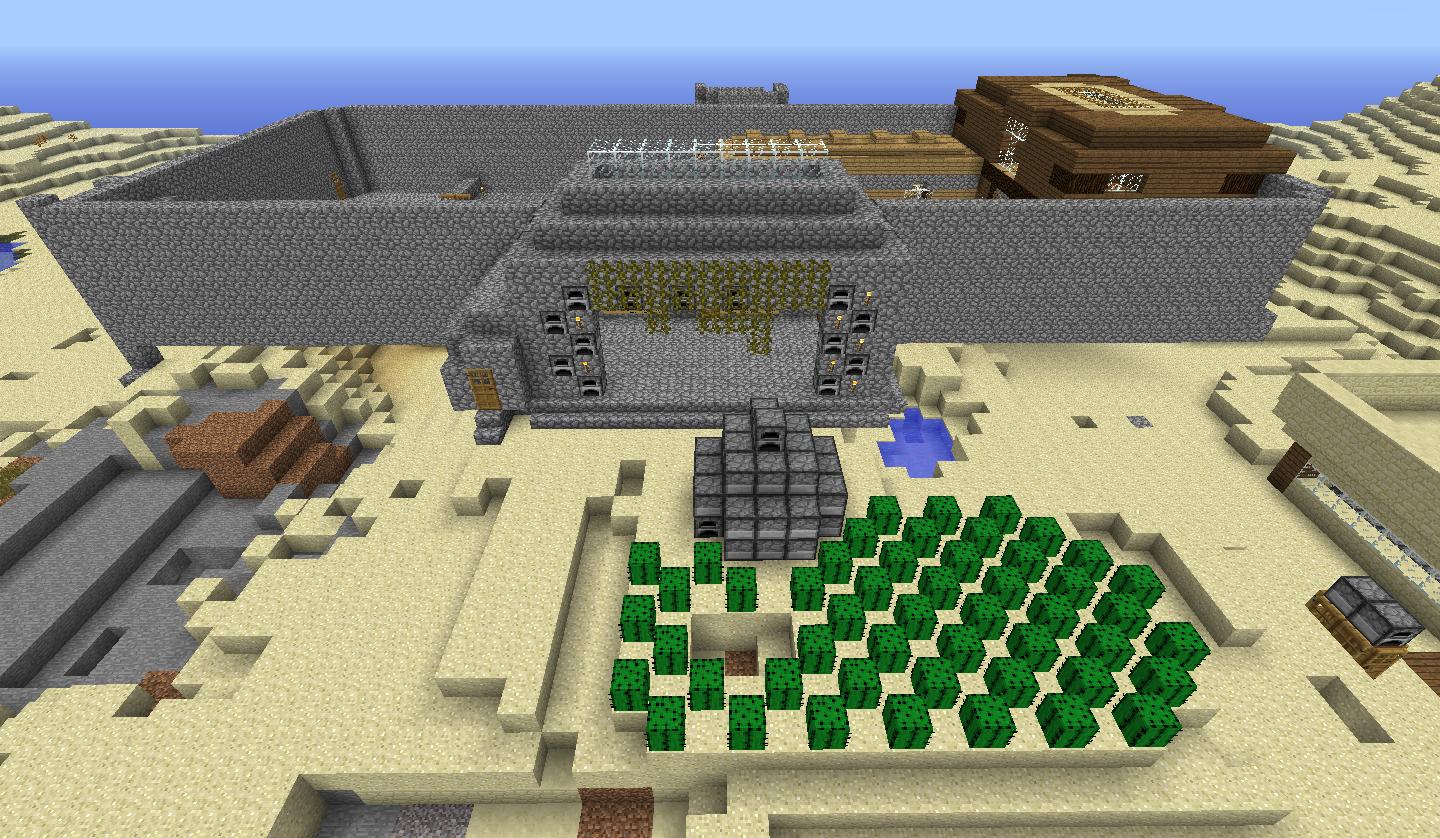
Town XP Grinder:
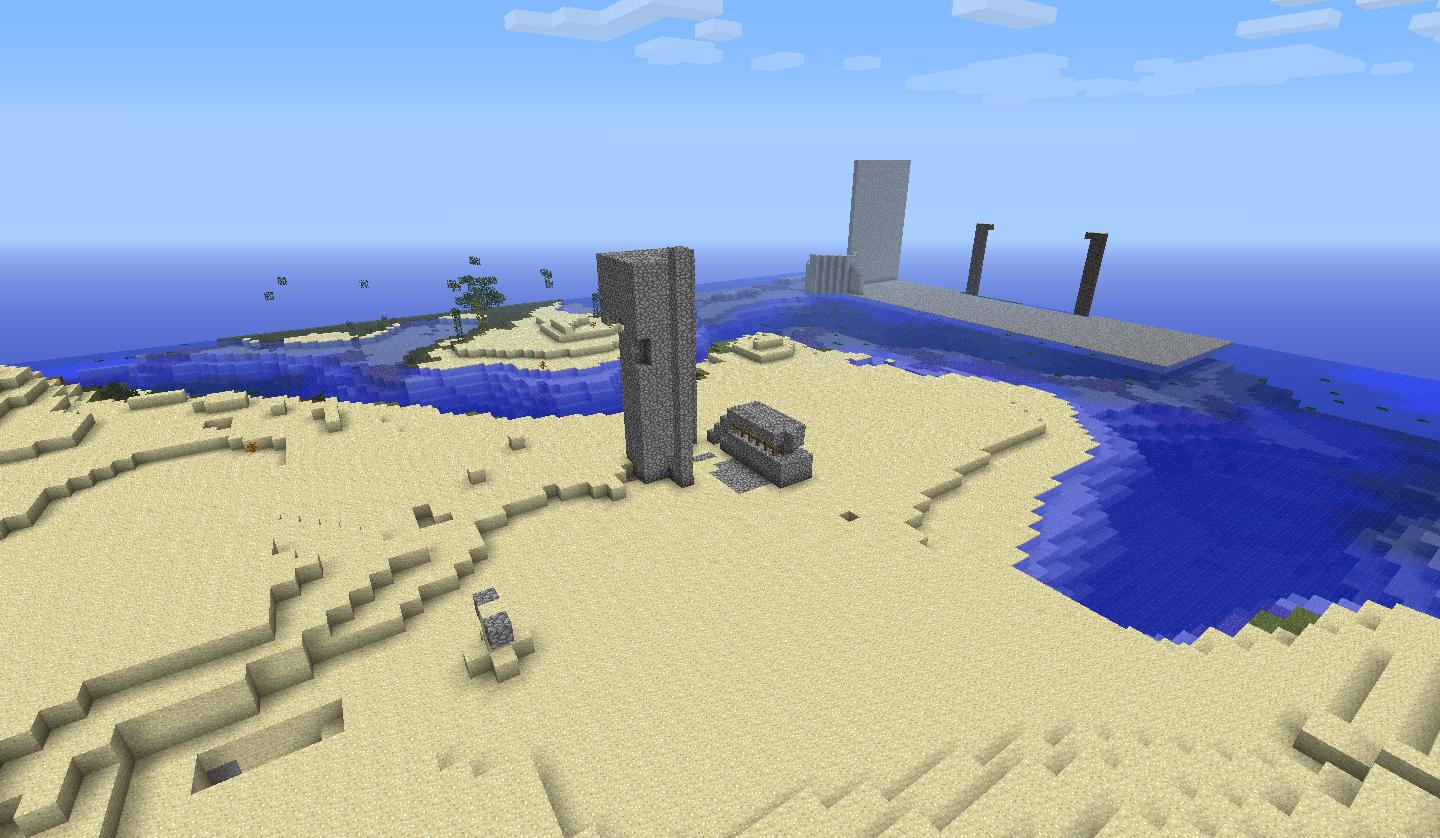
Start Of Town:
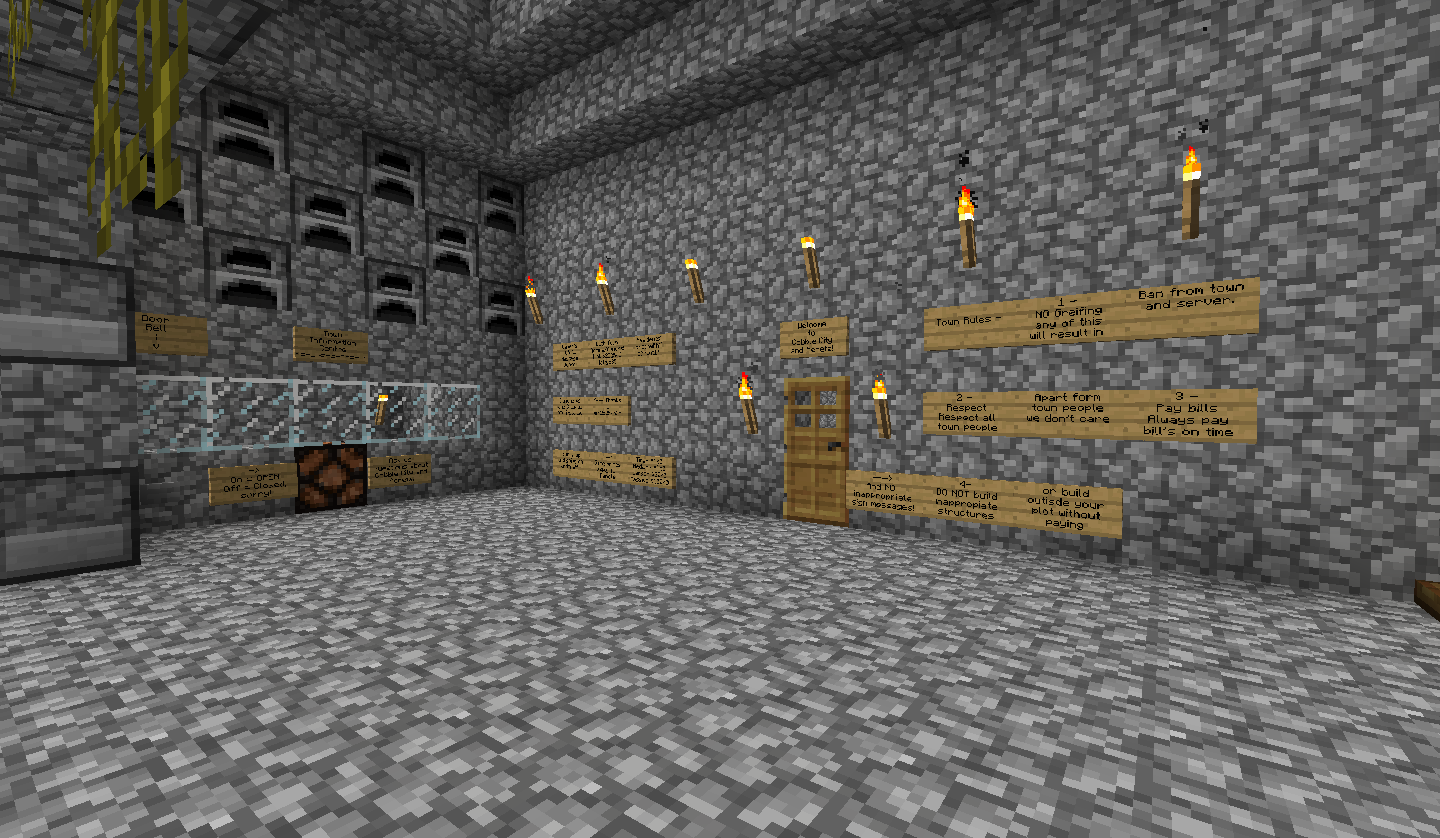
The Houses:
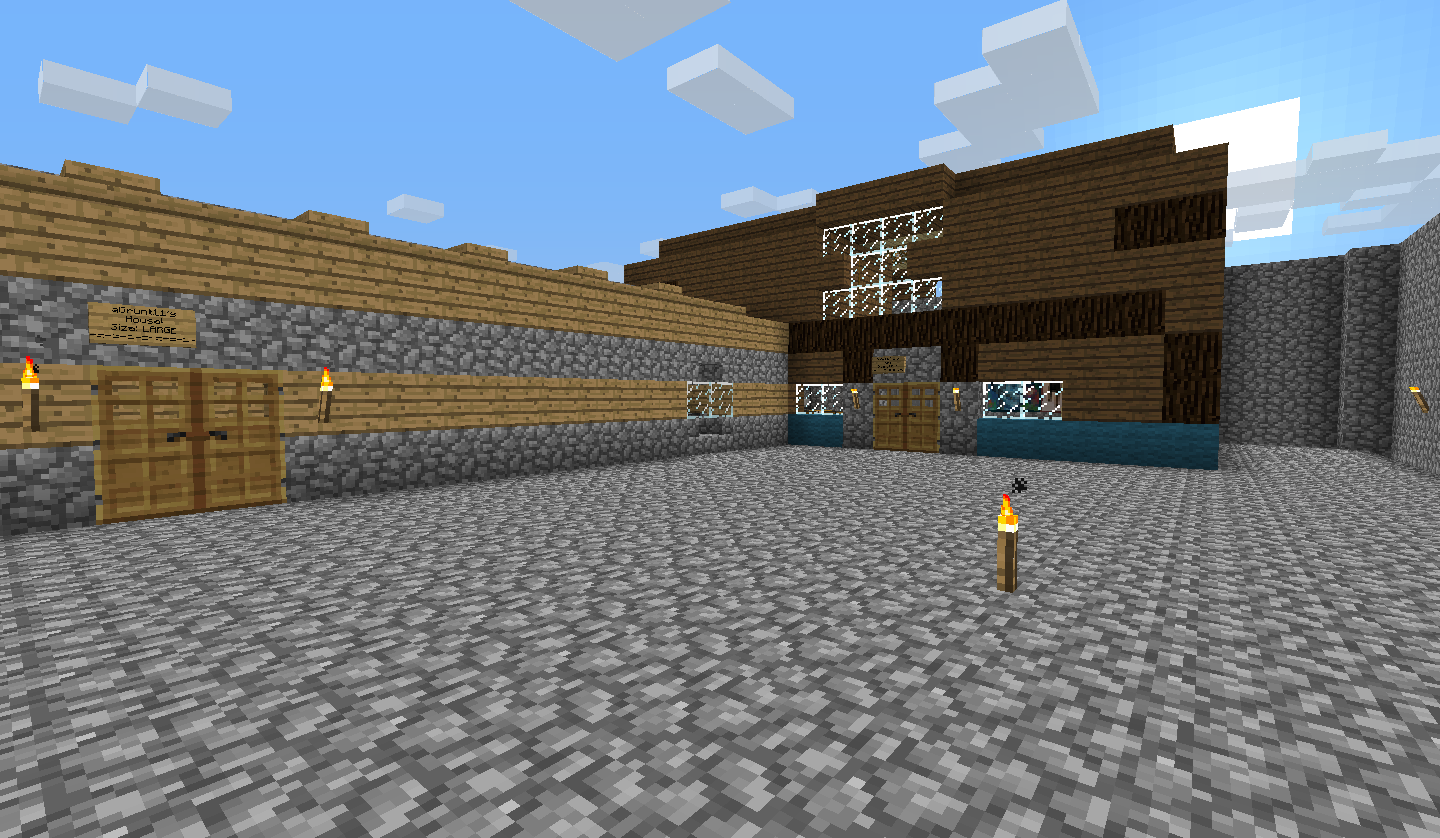
Second Part Of Town:
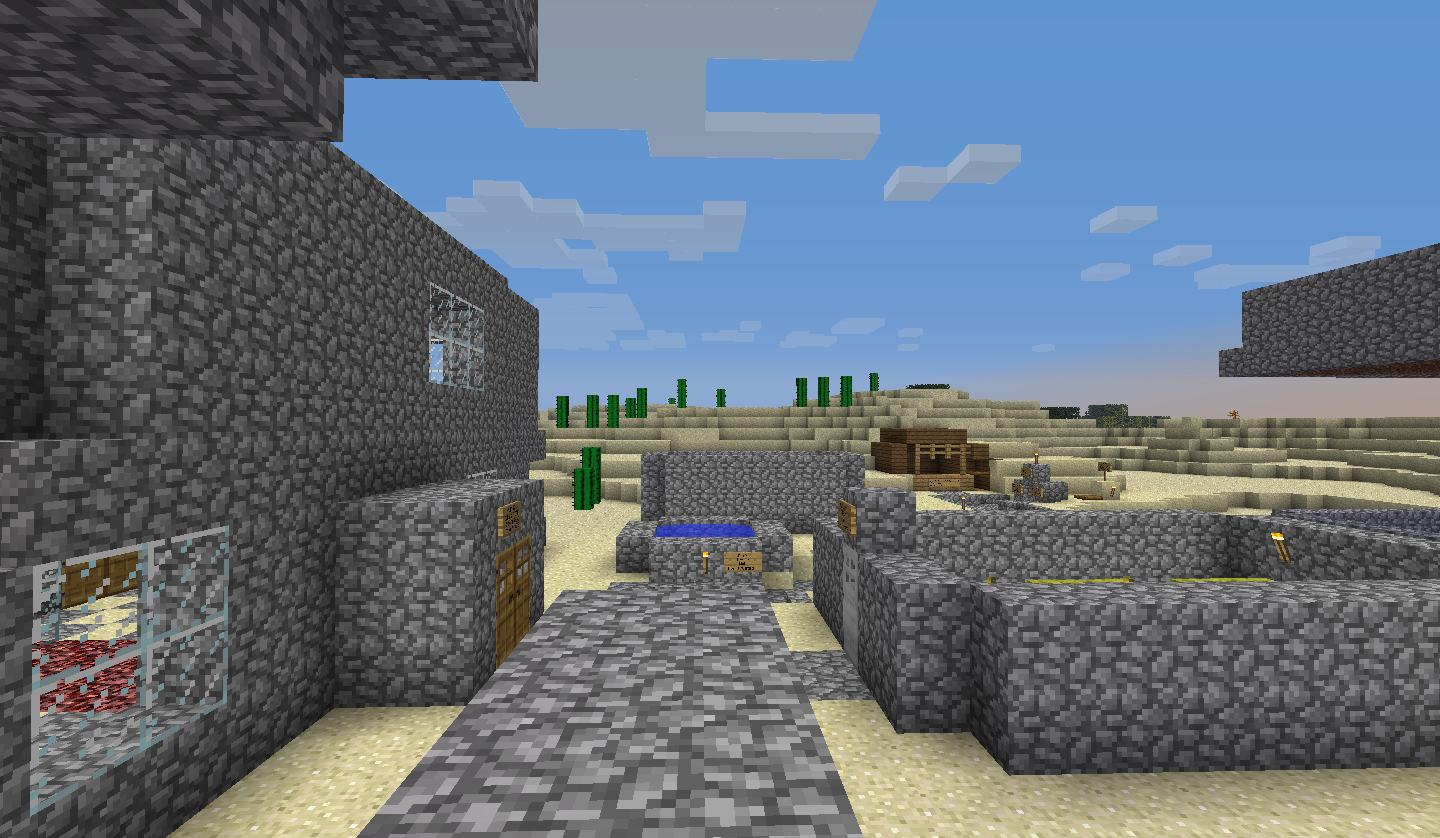
Town XP Grinder:
Start Of Town:
The Houses:
Second Part Of Town:
mini25252525
-
- Sr. Member
- Posts: 263
-
-
Don't know how to minimize sorry.
mini25252525
-
- Sr. Member
- Posts: 263
-
-
The Melon Farm:
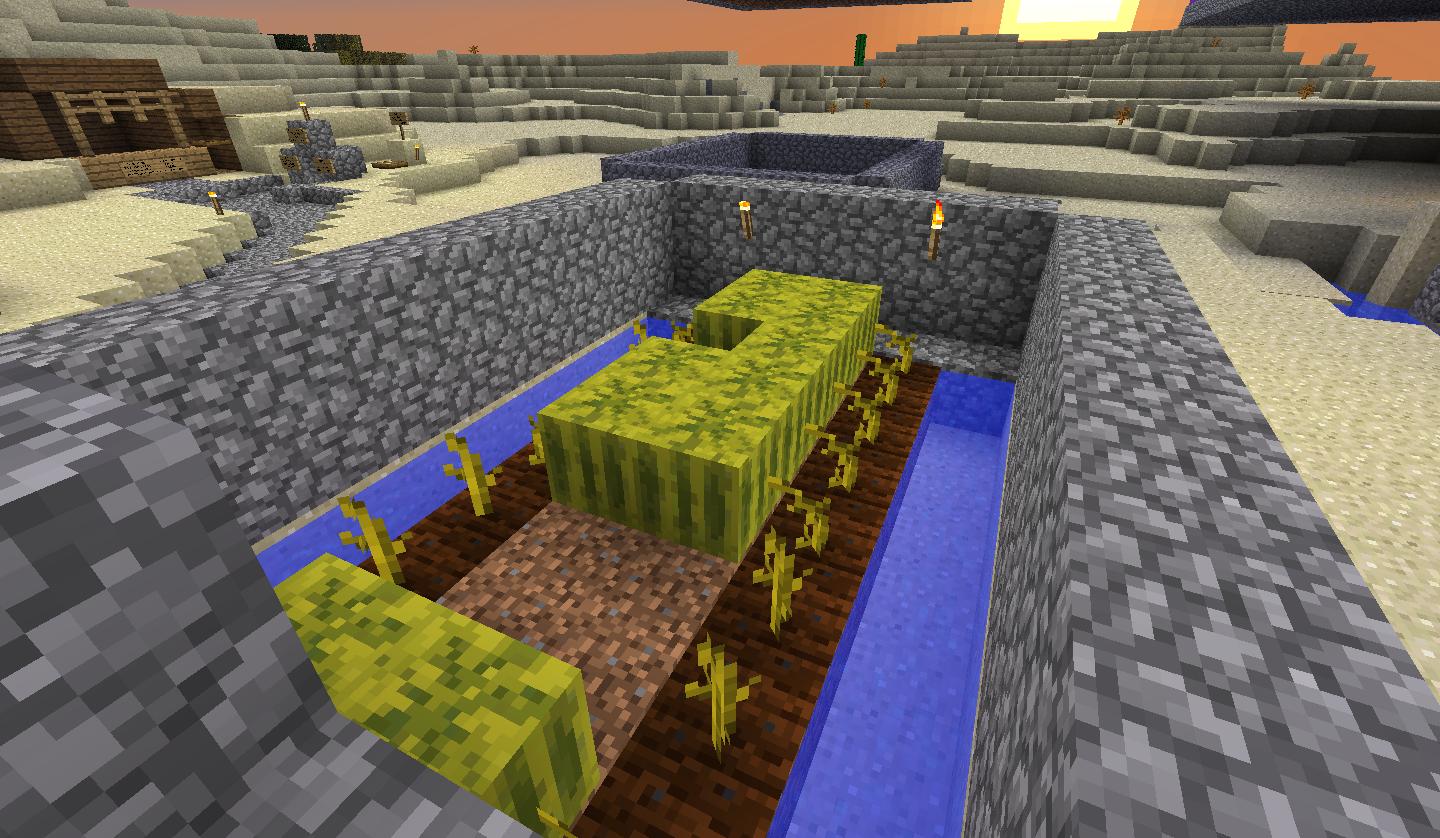
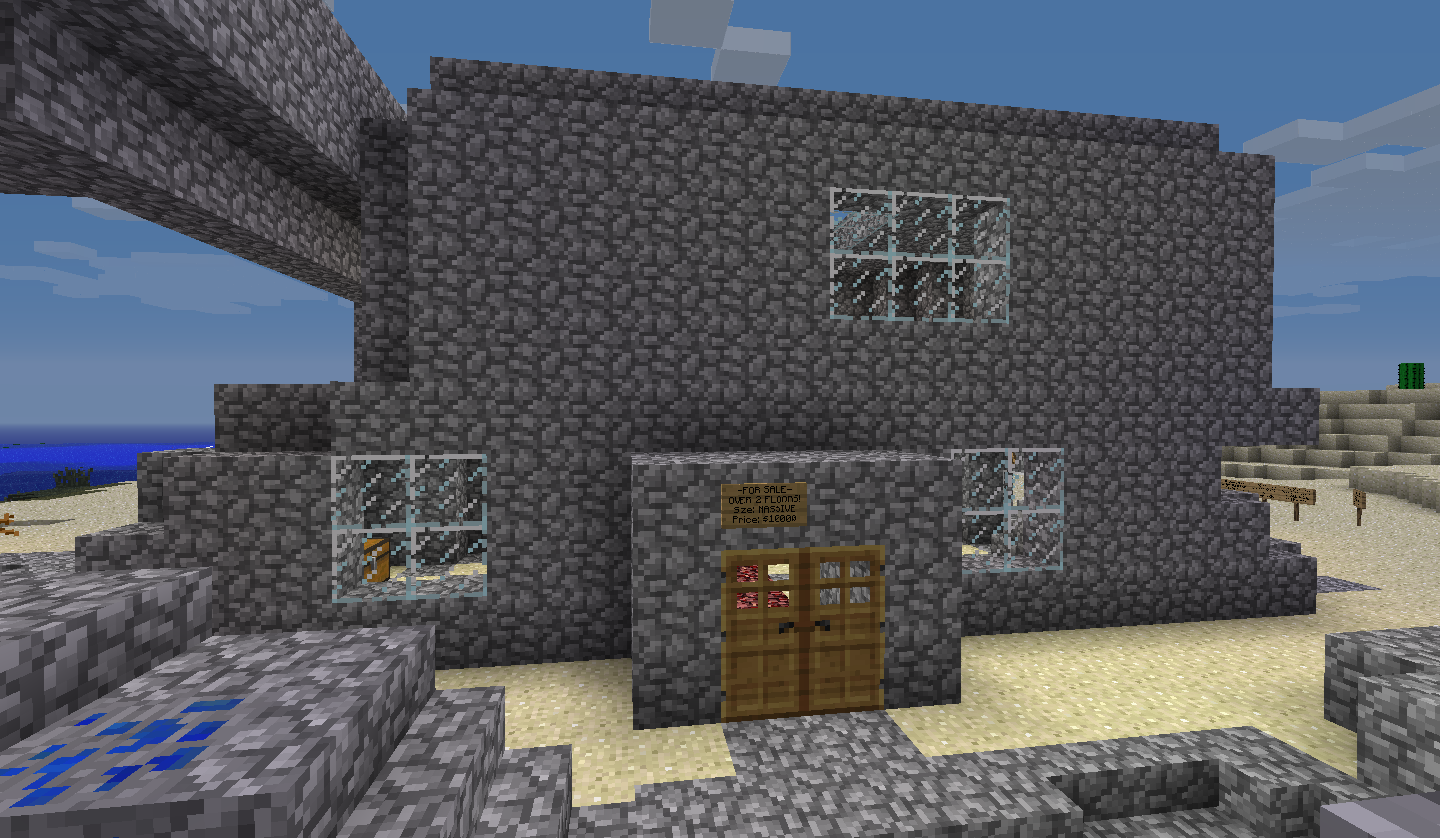
Matty's Favourite house:
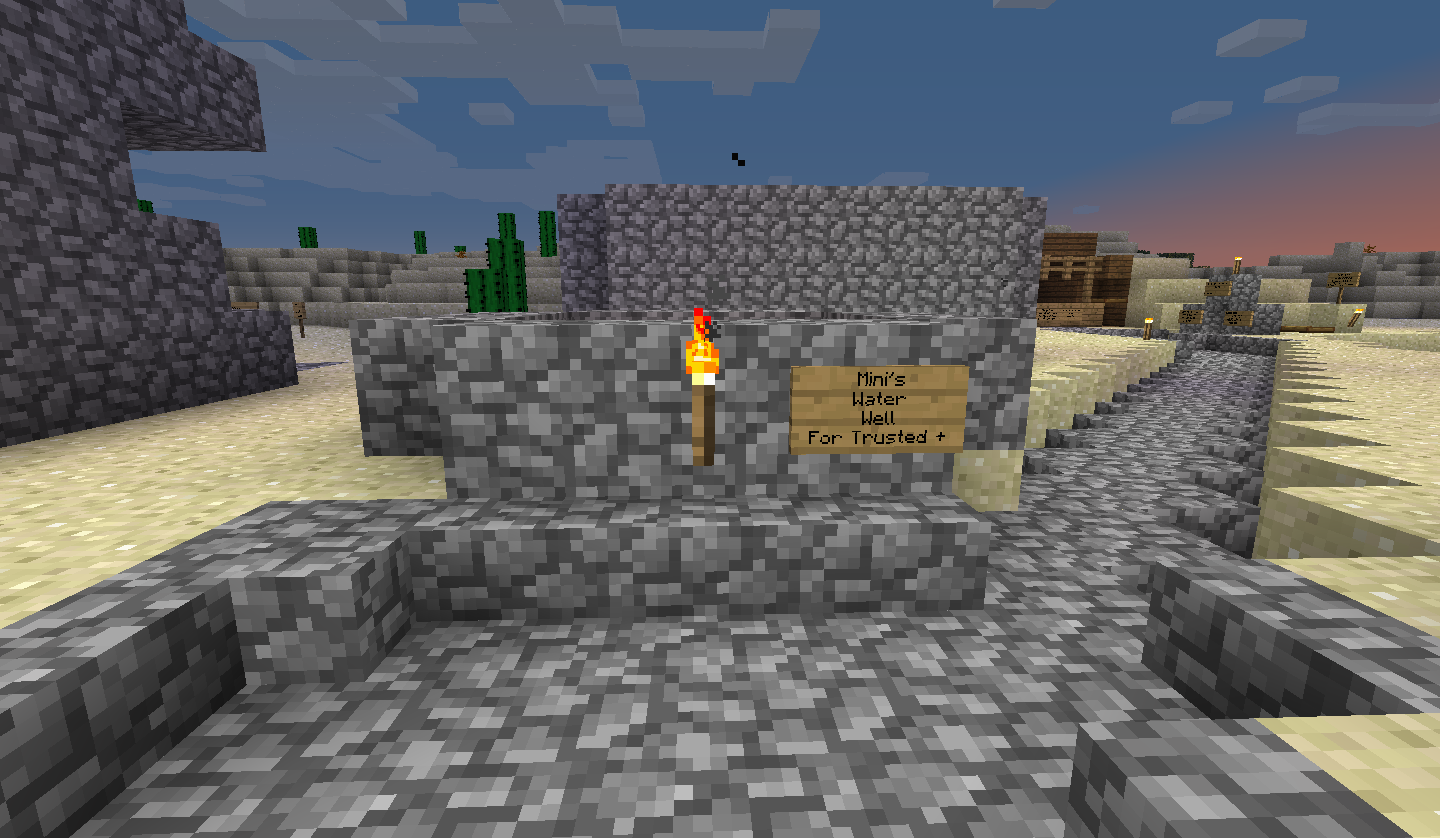
My Water Well:
Town Spleef:
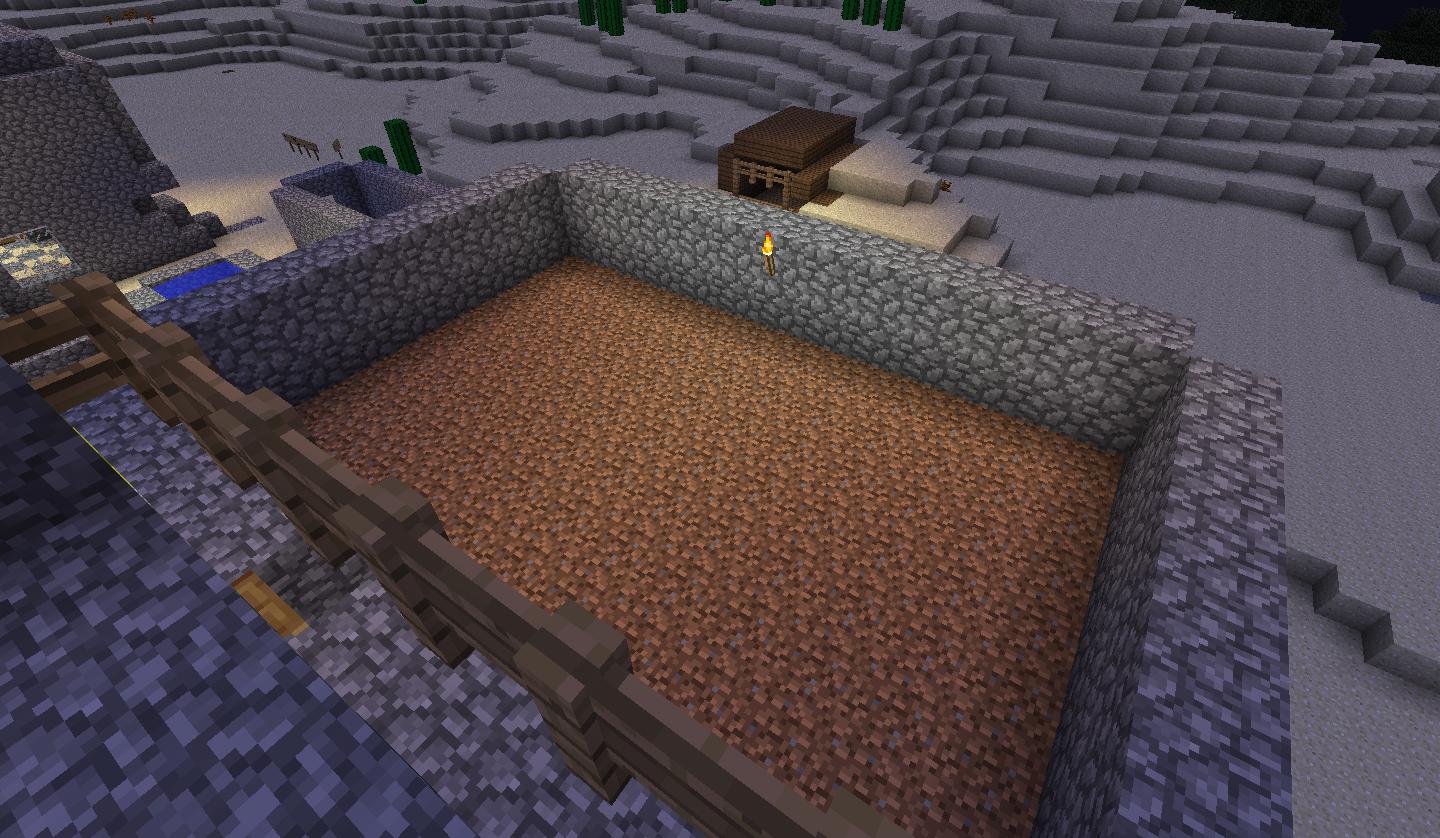
Auto Pumpkin Farm:
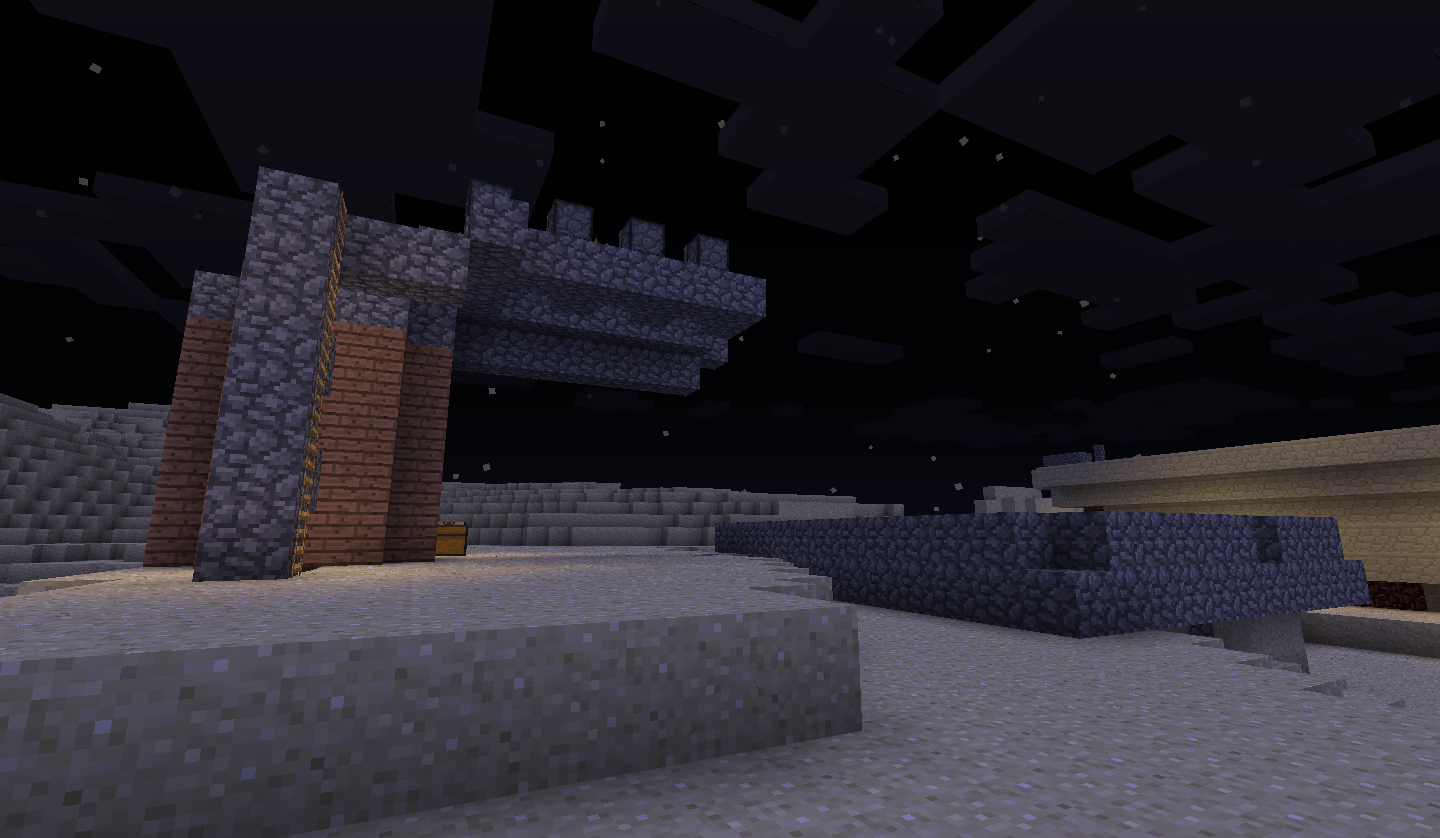
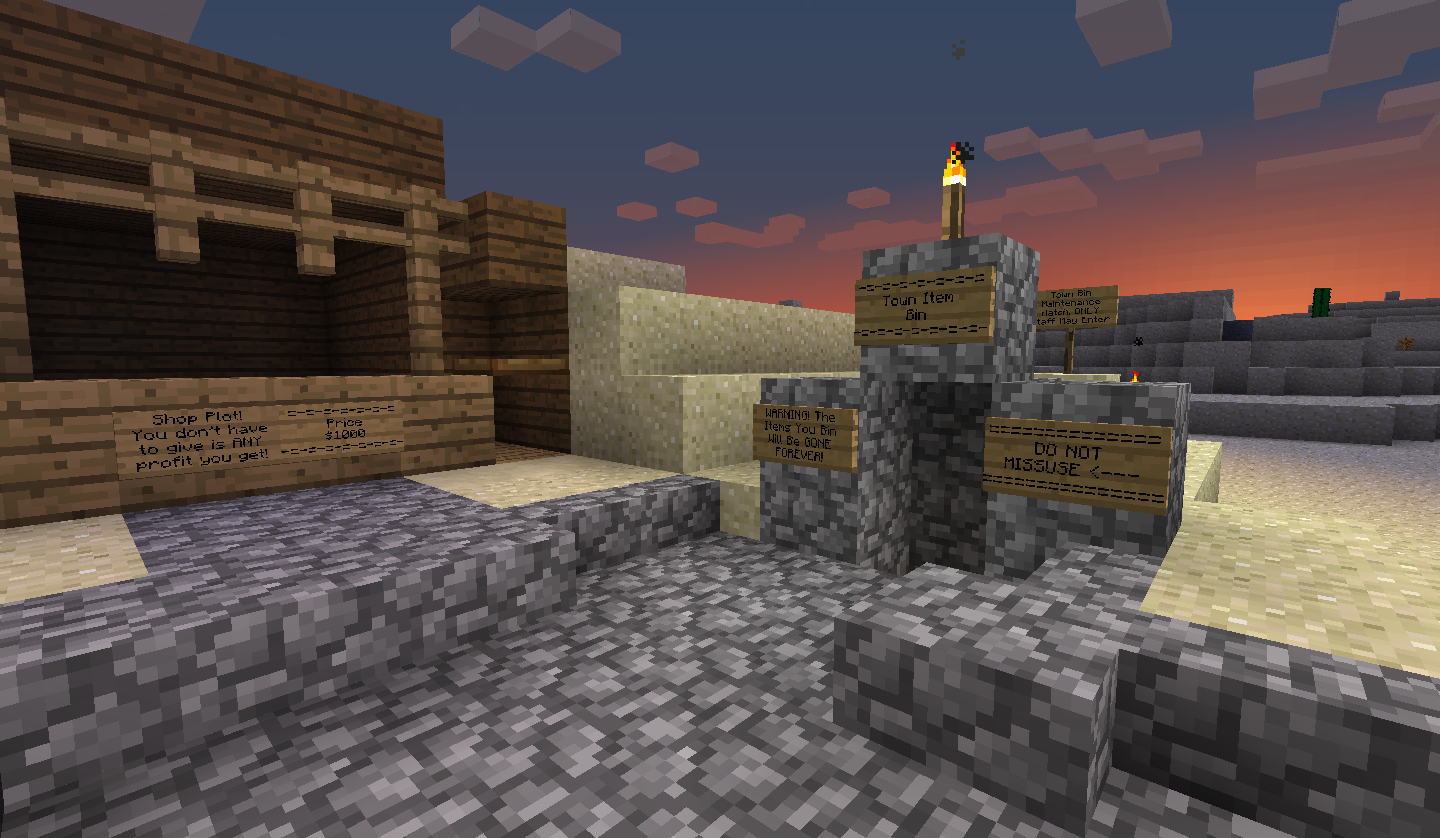
The Town Bin And Shop:
Matty's Favourite house:
My Water Well:
Town Spleef:
Auto Pumpkin Farm:
The Town Bin And Shop: