This is a read-only archive of the Opticraft Community forums (2010–2022), preserved in October 2026. Posting, logins and registration are closed.

Started by Spartan, January 08, 2012, 11:19:15 PM

Messing around with gimp

Spartan

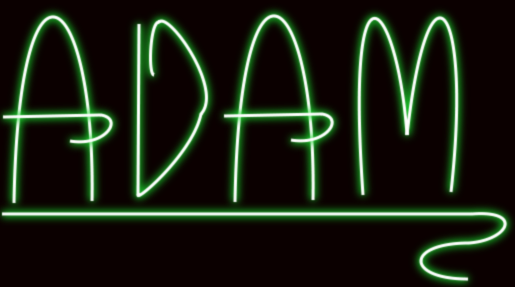
My boss wants me to play around in gimp because we are creating a new logo for the company, and our guy that does that kind of stuff quit. Here is a few quick pictures that I made while playing around with it.

My name in neon:

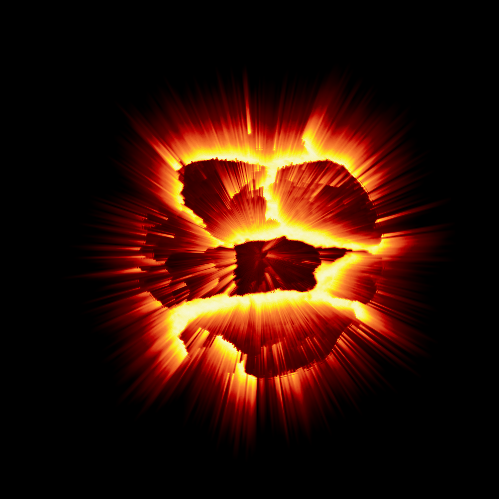
Exploding planet:

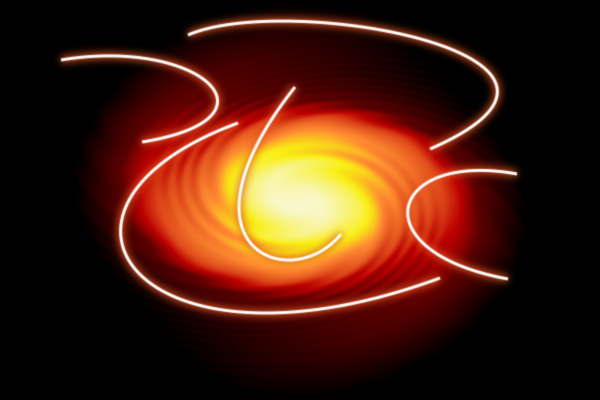
Swirl with random neon lines:

Neon Sphere:
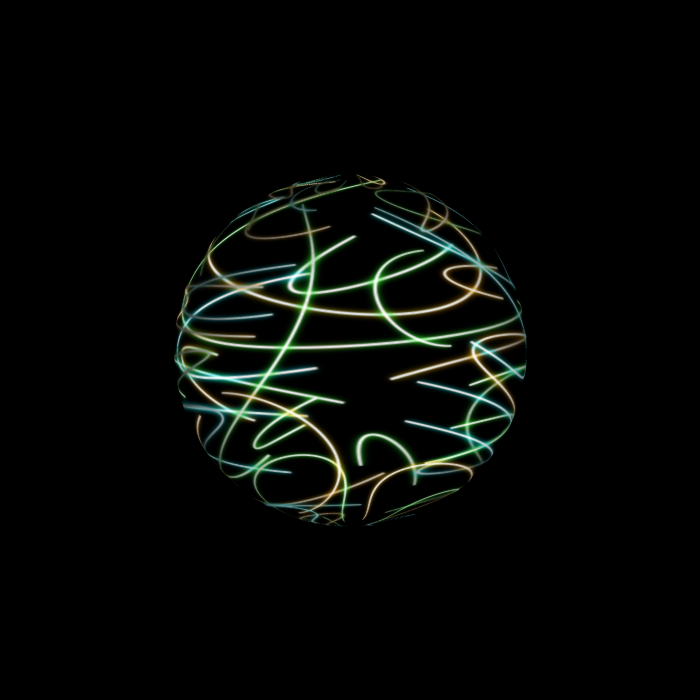

Feedback please.
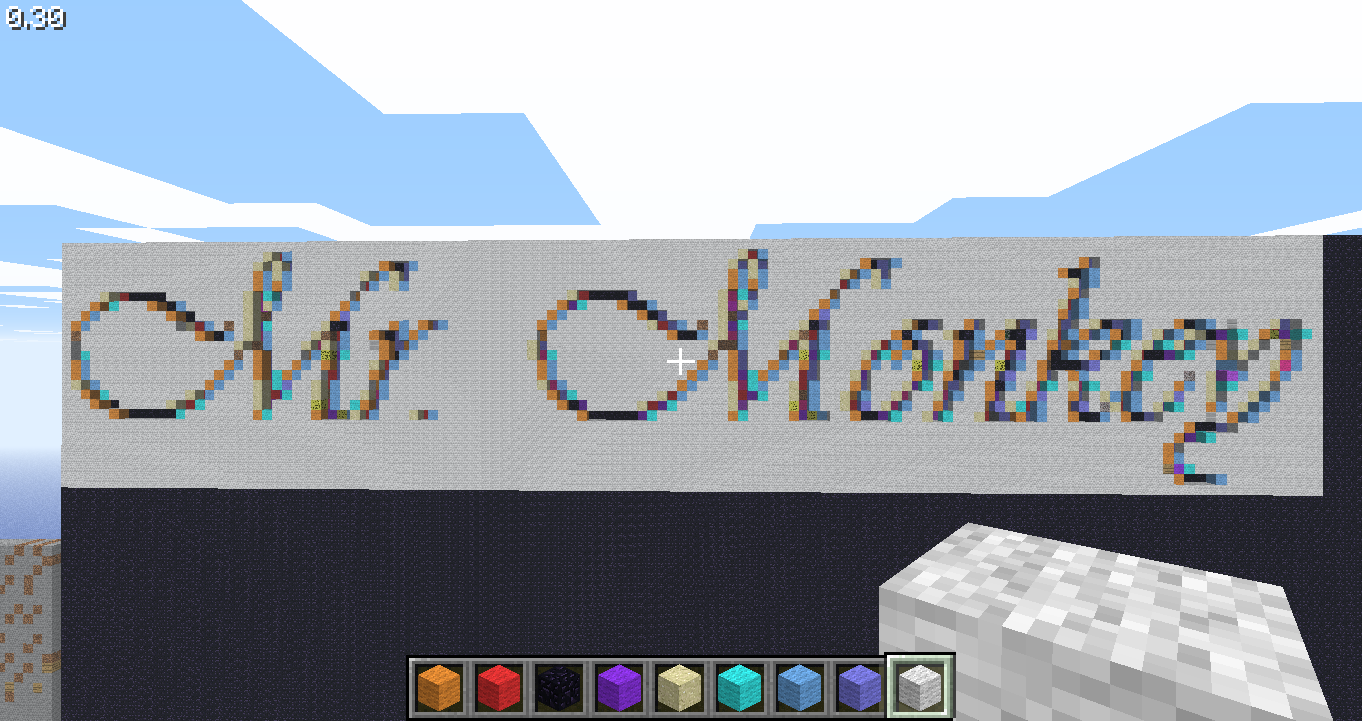
Mr.Monkey

Neat drawings. Care to tell how you did the planet? It looks awesome

Nick3306

So your boss will shell out $6000 for your laptop but you guys don't even have photoshop to create a new logo? Seems he has his priorities in line.

Spartan

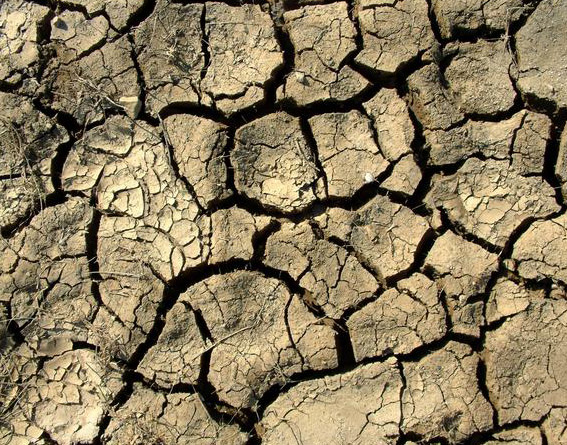
Sure. I used this image:


With the above image, I went to filters -> Map -> Map Object. I then selected the layer that contains the soil image above, and mapped the image onto a sphere. I then inverted the colors so that it turned a bluish color.

Then I went into Filters -> distorts -> polor coords. Deselect the "to polar" checkbox. Then I rotated it 90 degrees clockwise. I then went to Filters -> distorts -> wind, and stretched the edge. Then I rotated it 90 degrees counter-clockwise, went back to Filters -> distorts -> polar coors, and selected "to polar". Then Choose a gradient you want and map it and you're done!

There ya go.

EDIT: And nick, I told him I had a bit of experience in gimp, so I used that.

Spamarian

The sphere is only impressive. But, the try counts.
I dont really know much on photoshop, just a little a bit.I really dont care.. I like other stuff.
So, I cant help you on that. You can search phycology of symbols, colours, shapes, and then to come up with a draw/label..

This will defenitely will have better results..

Mr_Mr_Mr

Quote from: Spartan on January 09, 2012, 12:40:56 AM
EDIT: And nick, I told him I had a bit of experience in gimp, so I used that.
*facepalm*
Gimp is just a watered down photoshop. If you know gimp, you'll do find on photoshop.

SalasCraft

Also, best for logo and graphic design in general, try Adobe Illustrator.

catapult5

I agree with Salas, you can do some amazing things with Illustrator, especially if you've got a pad for it. I use Illustrator just about every day.