
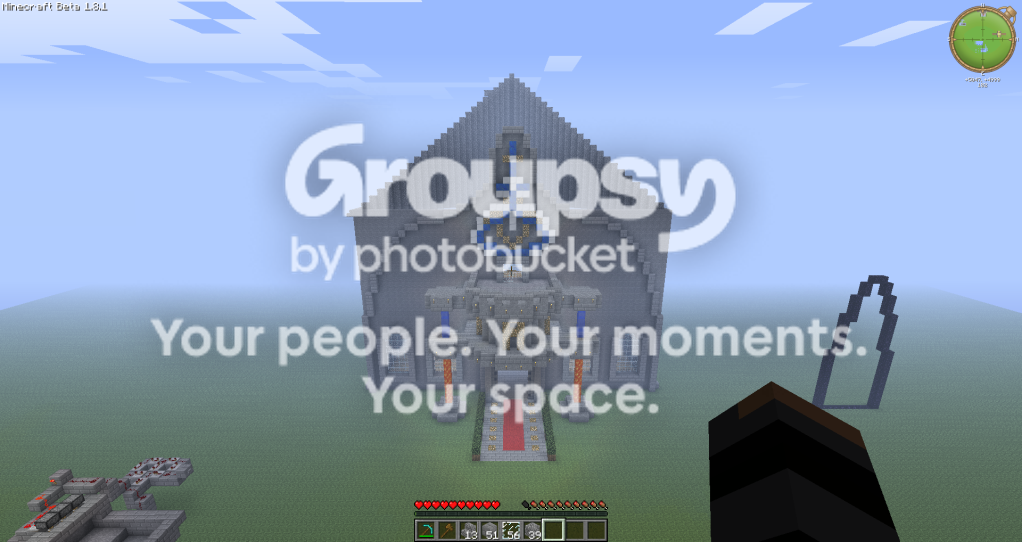
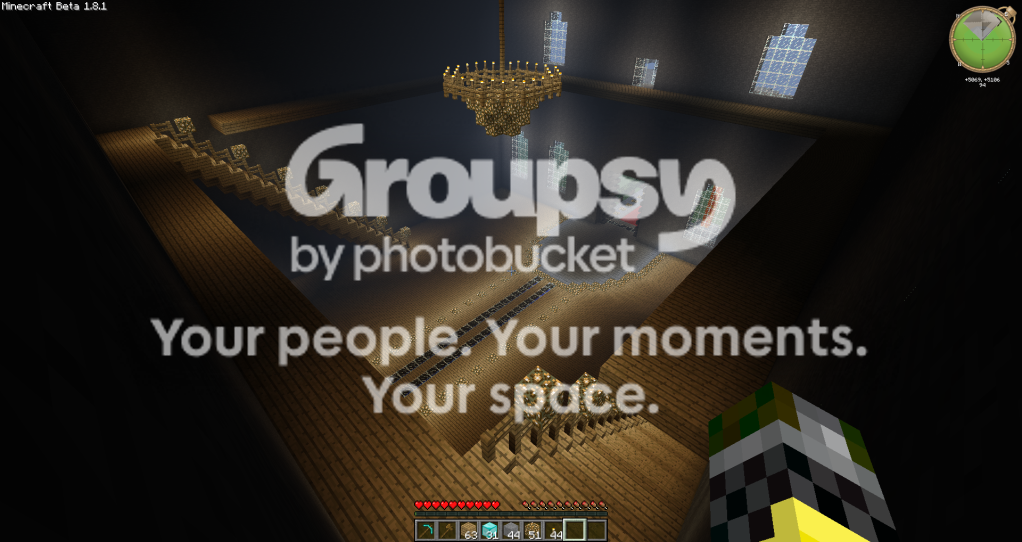
something I started a few days ago in my singleplayer build world
It's still a WiP but, I like it so far
Hope you likes it ^_^
It's still a WiP but, I like it so far
Hope you likes it ^_^
Started by Juls|Azzathel, October 01, 2011, 03:36:58 AM









Quote from: omaroo2 on October 01, 2011, 05:34:32 AM
Cool, mind sharing the map after ur finished
i like to explore others work

Quote from: Juls on October 01, 2011, 03:11:41 PMQuote from: omaroo2 on October 01, 2011, 05:34:32 AM
Cool, mind sharing the map after ur finished
i like to explore others work
I dont know how to upload it, and which files to upload or do I just upload the folder?
Quote from: Mr_Mr_Mr on October 01, 2011, 06:46:23 PM
Windows 7:
Hold the windows key down.
Push R,
In the bar, type %appdata% and hit ENTER,
Find the .minecraft folder (should be the first one)
Open it and then open the saves folder,
Look for whatever your worlds name is,
Copy it to the desktop,
Go to uppit.com and find your world on the desktop (Searching is faster)
Upload it and put the download link here
Quote from: Mr_Mr_Mr on October 01, 2011, 06:52:44 PM
Hold the windows key, then push R it opens up the RUN thing
Quote from: clawstrider on October 01, 2011, 06:55:11 PMMy way is more simple for those that don't have windows 7...Quote from: Mr_Mr_Mr on October 01, 2011, 06:52:44 PM
Hold the windows key, then push R it opens up the RUN thing
Or more simply, just type [Windows key] then %appdata%, you don't need the run thing
Quote from: Mr_Mr_Mr on October 01, 2011, 06:56:05 PMQuote from: clawstrider on October 01, 2011, 06:55:11 PMMy way is more simple for those that don't have windows 7...Quote from: Mr_Mr_Mr on October 01, 2011, 06:52:44 PM
Hold the windows key, then push R it opens up the RUN thing
Or more simply, just type [Windows key] then %appdata%, you don't need the run thing