


I've been promted to do this since I can't explain it to ViolentWinds on the chat. So here it goes.
1. Follow this link and download the WoM Client
http://www.worldofminecraft.com/Game_Client
You must be a member of World of Minecraft to download it.
2. Once you have downloaded it, find it in your programs. Open it and you will see this.
[image no longer available]
Click on the file named wom and press "extract All" and choose your destination. (For these purposes it shall be the one automaticaly entered)
3. Once finished, you will see this.
[image no longer available]
Right click on the one named "wom" and create a shortcut to desktop (not necessary, but much easier).
[image no longer available]
4. Click on your shortcut on desktop and a box should come up with a red x. Uncheck the box and press "Run"
5. The next box should be simple. Enter your username and password and press sign in.
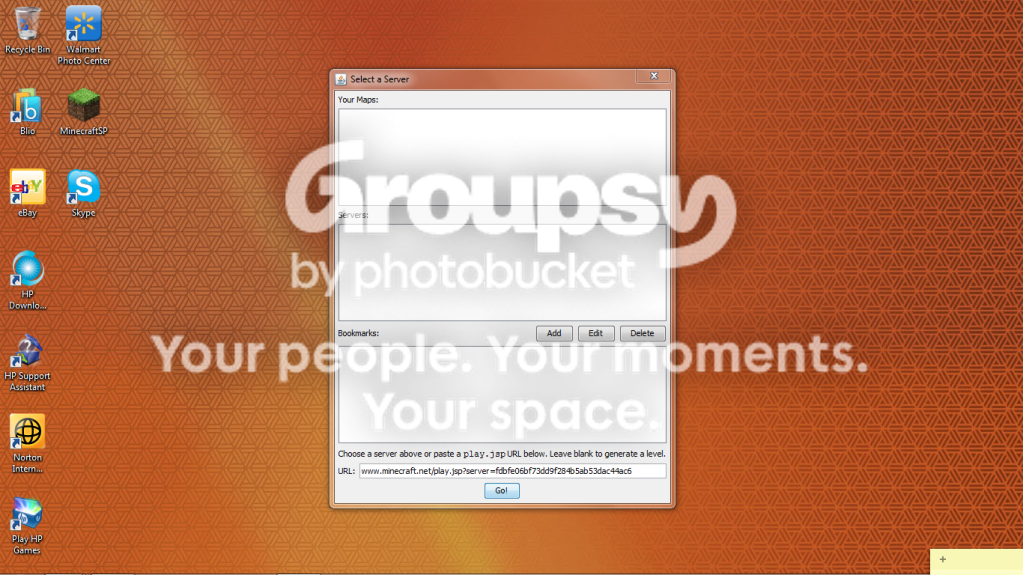
6. The next screen should be a server list. Find "Opticraft Dev Server" and click on it. At the bottom you will see the url.
[image no longer available]
Highlite the url and press ctrl c. (Ignore the opticraft in the bookmarks box)
7. Then press the add button. A box will come up and ask for a name. Afterwards, it'll ask for the url. Press ctrl v to paste and press ok.
8. There should now be something in your bookmarks box. Click on it and press go. Use the first link for the WoM controls.
Scenario B (starting after step 5.
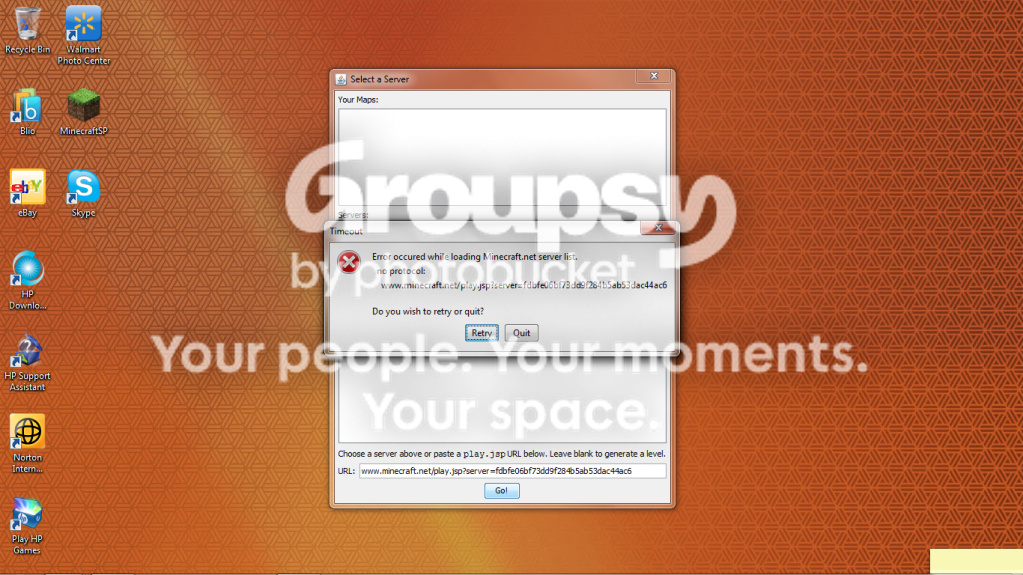
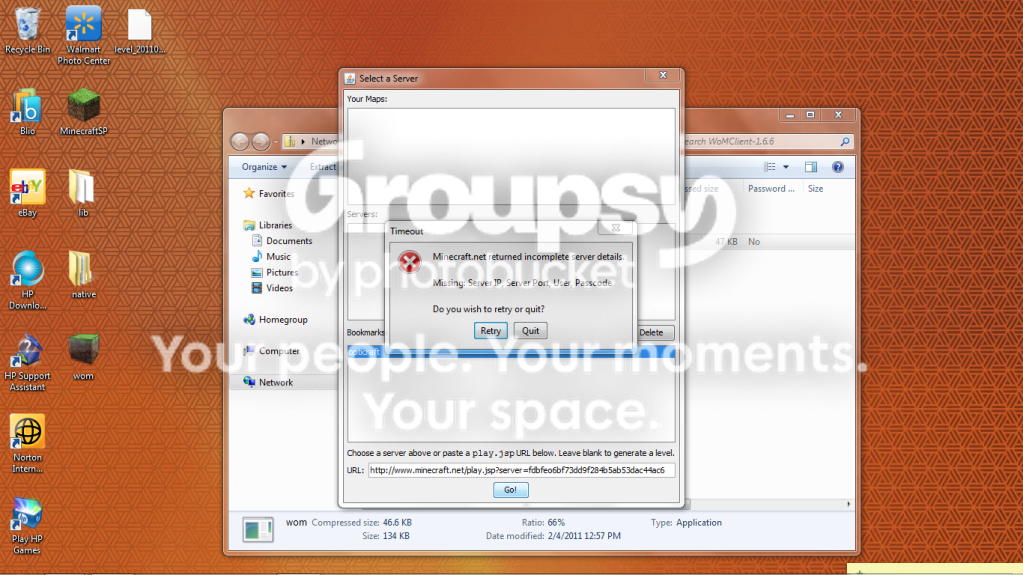
6.b If nothing shows up for your server list, go to minecraft.net.
7.b After signing in, go to the classic multiplayer and find the opticraft server.
[image no longer available]
[image no longer available]
8.b Once logged on to opticraft, copy the url at the top. Or copy this. http://www.minecraft.net/play.jsp?server=fdbfe06bf73dd9f284b5ab53dac44ac6
[image no longer available]
9.b Go back to the WoM program and press add (without clicking on anything on the list) and enter name. After, click in the text box and press ctrl v. Press ok and hopefully you'll have something in your bookmarks list. Click, press GO, and hopefully, enjoy!
1. Follow this link and download the WoM Client
http://www.worldofminecraft.com/Game_Client
You must be a member of World of Minecraft to download it.
2. Once you have downloaded it, find it in your programs. Open it and you will see this.
[image no longer available]
Click on the file named wom and press "extract All" and choose your destination. (For these purposes it shall be the one automaticaly entered)
3. Once finished, you will see this.
[image no longer available]
Right click on the one named "wom" and create a shortcut to desktop (not necessary, but much easier).
[image no longer available]
4. Click on your shortcut on desktop and a box should come up with a red x. Uncheck the box and press "Run"
5. The next box should be simple. Enter your username and password and press sign in.
6. The next screen should be a server list. Find "Opticraft Dev Server" and click on it. At the bottom you will see the url.
[image no longer available]
Highlite the url and press ctrl c. (Ignore the opticraft in the bookmarks box)
7. Then press the add button. A box will come up and ask for a name. Afterwards, it'll ask for the url. Press ctrl v to paste and press ok.
8. There should now be something in your bookmarks box. Click on it and press go. Use the first link for the WoM controls.
Scenario B (starting after step 5.
6.b If nothing shows up for your server list, go to minecraft.net.
7.b After signing in, go to the classic multiplayer and find the opticraft server.
[image no longer available]
[image no longer available]
8.b Once logged on to opticraft, copy the url at the top. Or copy this. http://www.minecraft.net/play.jsp?server=fdbfe06bf73dd9f284b5ab53dac44ac6
[image no longer available]
9.b Go back to the WoM program and press add (without clicking on anything on the list) and enter name. After, click in the text box and press ctrl v. Press ok and hopefully you'll have something in your bookmarks list. Click, press GO, and hopefully, enjoy!


 hopefully >.>

![[image no longer available]](http://i56.tinypic.com/4sk6cn.jpg)
![[image no longer available]](http://i55.tinypic.com/ina58p.jpg)
![[image no longer available]](http://i53.tinypic.com/4v1l39.jpg)
![[image no longer available]](http://i53.tinypic.com/2e3micn.jpg)
![[image no longer available]](http://i52.tinypic.com/2z7mn0g.png)
![[image no longer available]](http://i56.tinypic.com/293ks5d.jpg)
![[image no longer available]](http://i53.tinypic.com/2uo2es5.jpg)